
Server Cleaner
CS2 FPS Optimization Plugin
The ultimate FREE CSSharp plugin designed to boost server FPS and eliminate lag caused by entity overload.

Server
Why Your CS2 Server Needs Entity Cleanup?
Stop Lag Spikes
Focus on performance issues caused by ragdolls and particles.
Maximize FPS
Ensure every player gets the highest frame rate possible.
Server Stability
Prevent crashes and slowdowns associated with map junk.


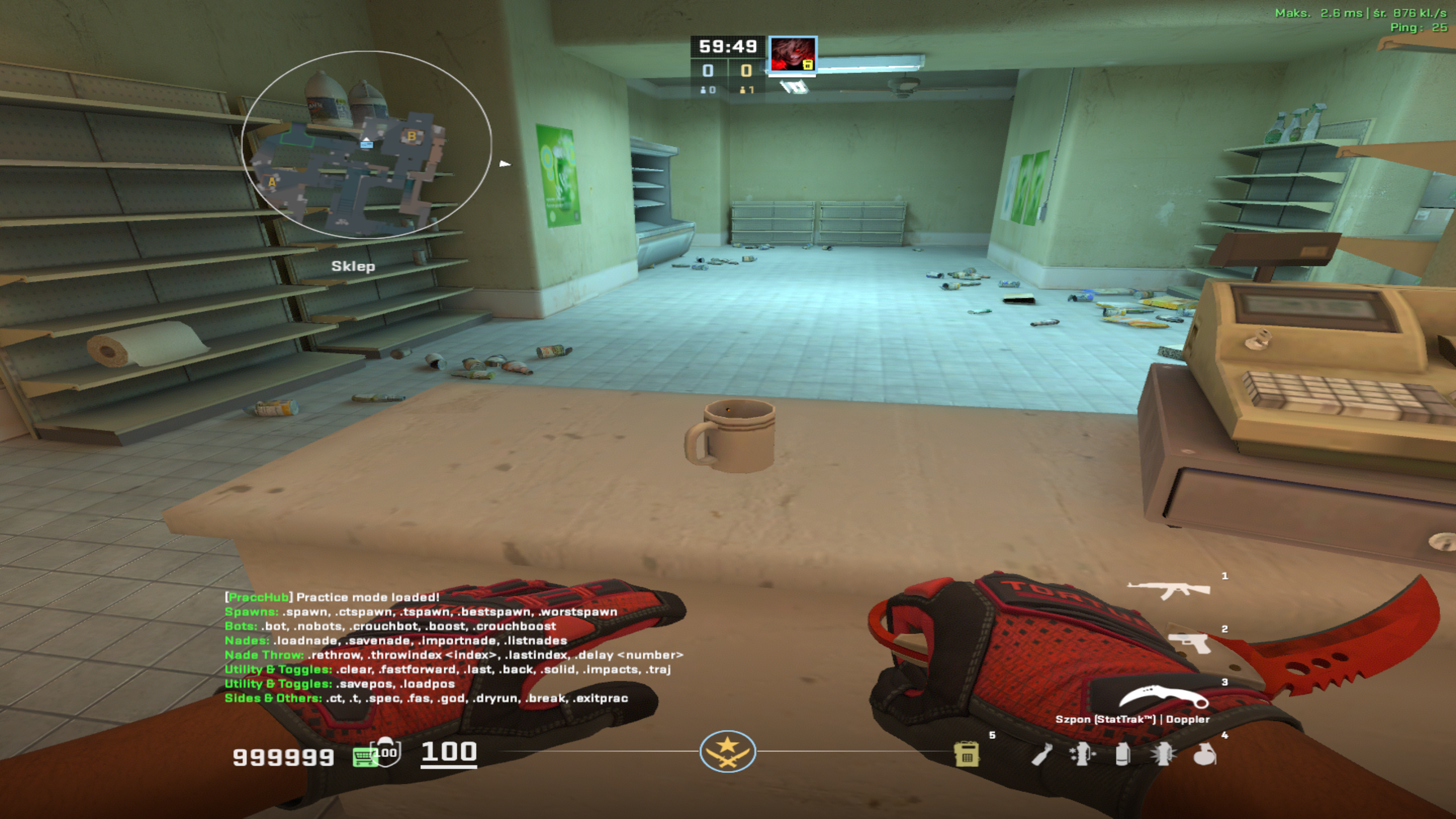
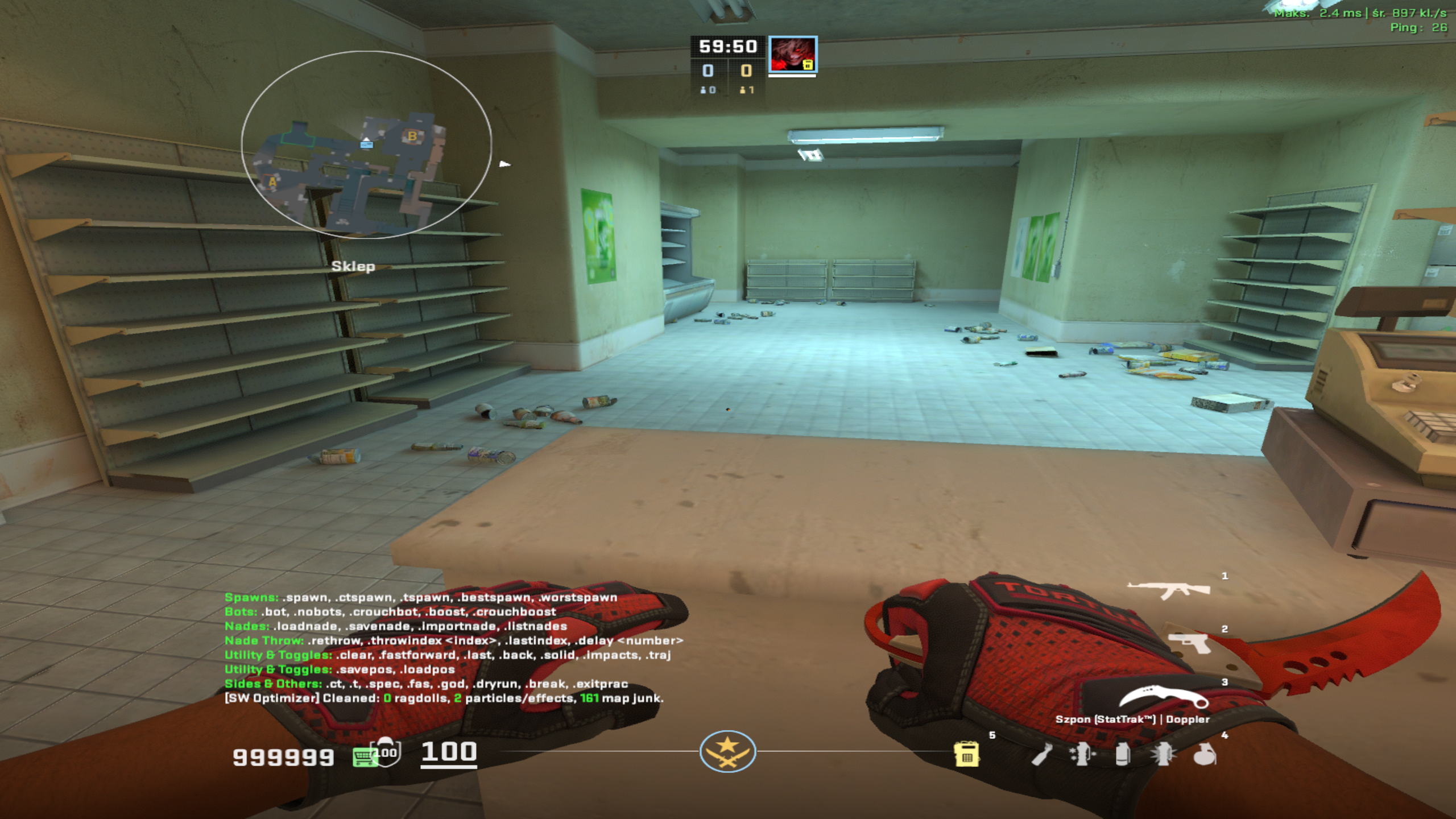
Cleanup
What SmoothWizard Plugin Cleans?
- Ragdolls
- Particles (env_explosion)
- Decals (Bullet Holes)
- Map Junk (prop_physics)
At the beginning of each round
Install
Quick Installation Guide (CSSHarp Plugin)
Prerequisites
- Metamod:Source installed for CS2.
- CounterStrikeSharp (CSSHarp) framework installed.
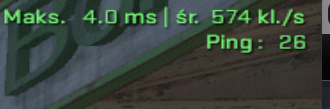
Before and after on Train

Installation Steps
- Download the latest version of the plugin (SmoothWizardOptimizer.dll) from the Releases section on GitHub.
- Create a folder named SmoothWizardOptimizer inside your CSSHarp plugins directory: /game/csgo/addons/counterstrikesharp/plugins/SmoothWizardOptimizer/
- Place the downloaded SmoothWizardOptimizer.dll file inside this new folder.
- Start (or restart) your CS2 server.
Command to disable or enable the optimizer
css_sw_toggle or !sw_toggle